
Remote
SSH repositories
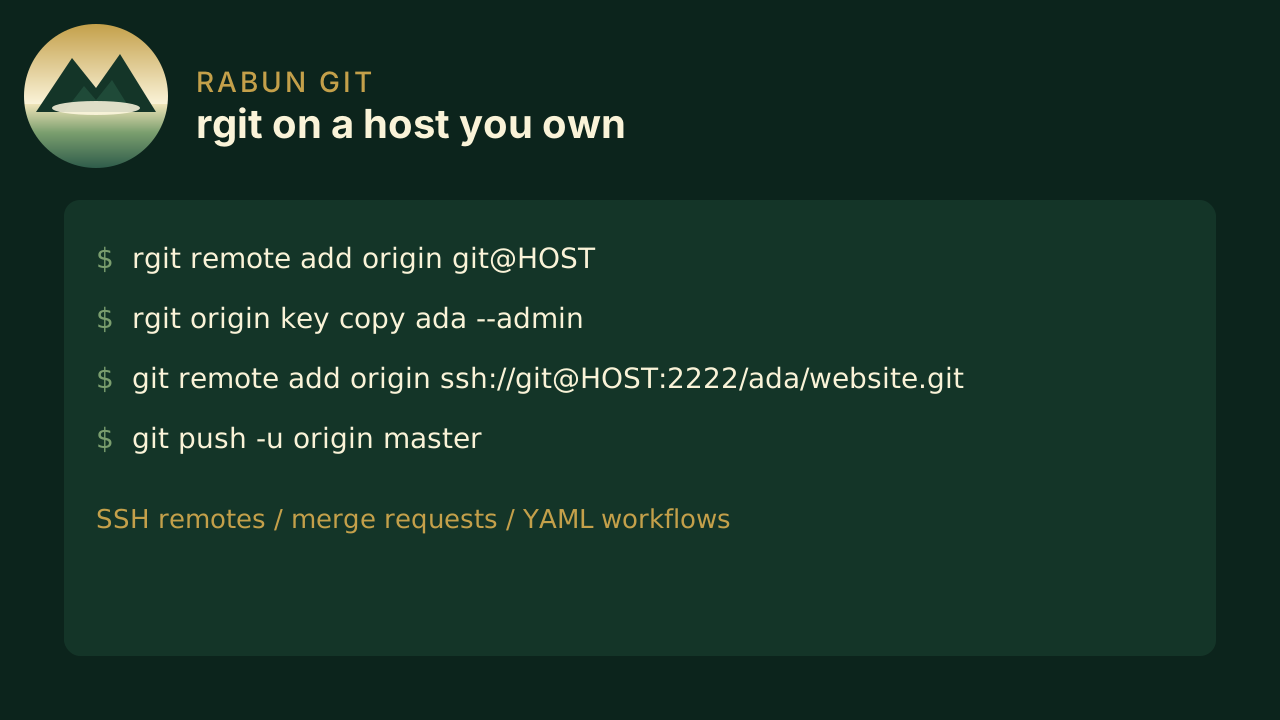
Bare repos on port 2222. Clone and push with ordinary git. Your existing sshd on port 22 stays put.
Rabun Git
Self-hosted git over SSH. Users, merge requests, and a small workflow runner. Bring your own editor and web viewer.
Rabun Git stores bare repositories on a machine you administer. Teammates use git. Operators use rgit for users, keys, access, and merge requests.
Remote
Bare repos on port 2222. Clone and push with ordinary git. Your existing sshd on port 22 stays put.
Review
Open, review, and fast-forward merge from the CLI. Protected main and master stay with admins.
CI
Small shell workflows in .rabun/workflows on push, tag, and request. No GitHub Actions runner.
The forge
SSH based communication with teams and groups baked in.
People
Create logins, attach SSH keys, and grant read, write, or admin on owner/name.
History
Branches, clones, and tags work as they do on any SSH remote.
Host
Ship the binary, env file, and rabun-git.service over SSH. Data lives under /var/lib/rabun-git.
First hour
Install the binary, start serve, register one admin key, then create owner/name.
Install
cargo install from a clone, then link the rgit command beside rabun-git.Serve
Pack-and-push onto Ubuntu, or run init and serve yourself. Health listens on 127.0.0.1:8792.Push
git remote add origin ssh://git@HOST:2222/owner/name.gitWritten for people who already use git clone, commit, and push.